
Choose your roles
Decide who is the survivor and who is the zombie. These roles describe the scene, not the order in which you select your photos.
Two portraits. A story that belongs to both of you.
Give each partner a place in the story. Plan a survivor-and-zombie reunion around familiar faces, small gestures and a connection that survives the scene.
Sign in to generate. The default 8-second, 480p video uses 4 credits; your selected settings determine the quote. Sign in
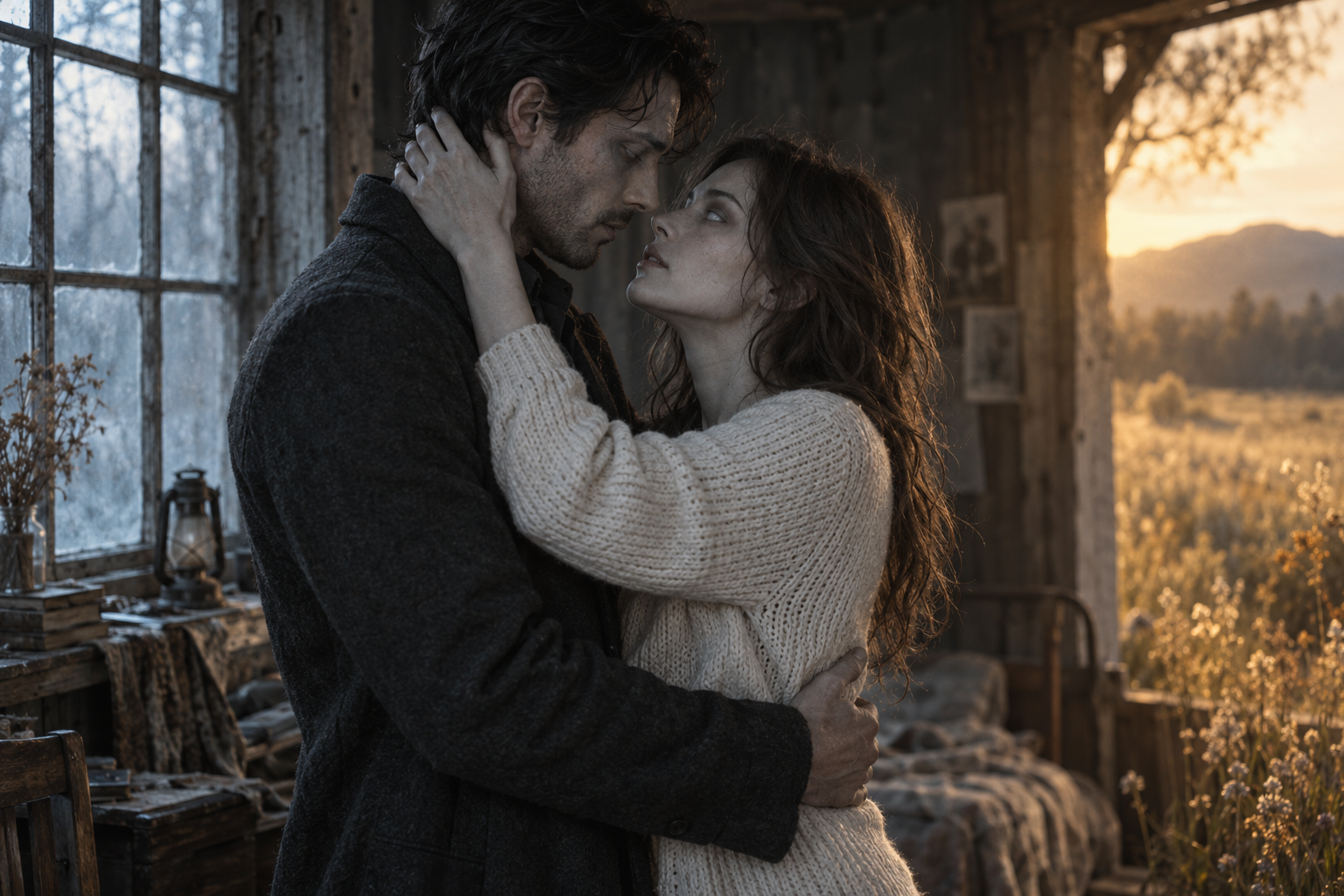
Original concept artwork for mood and composition. Not a video generated from your photos.
01 / Zombie Couple Video
A scene-by-scene starting point for your own story.
Decide who is the survivor and who is the zombie. These roles describe the scene, not the order in which you select your photos.
A familiar jacket, a small wave or the way the partners look at each other can make a fictional reunion feel personal.
Start with both partners visible. Ask for a slow approach so the audience can follow who moves and how the other responds.
Finish on a held two-person frame. A quiet hand touch or an embrace gives the scene a clear ending without another plot twist.
02 / From two photos to a clear creative brief
Choose two clear portraits and assign their roles. They stay local until generation starts.
Pick a scene, choose the frame and add one personal detail to your note.
Choose a duration and quality, review the credit quote, then generate, preview and save your video.
03 / Zombie Couple
Choose portraits with similar framing and reasonably even lighting. A close face crop paired with a distant full-body photo gives uneven identity references. Avoid sunglasses, hands across the face and group photos where the intended person is unclear.
Describe the survivor and zombie independently before describing their shared action. For example: the survivor pauses; the zombie raises a familiar hand; both step closer. Role names are clearer than repeated uses of “he,” “she” or “they.”
Request subtle fictional changes while retaining the zombie partner’s facial proportions and hairstyle. Extreme facial distortion makes recognition harder. Identity preservation is a direction for a model, not a guarantee of the eventual result.
04 / FAQ
The couple preset focuses on the two partners and their reunion. The full love story adds a larger sequence, including a present-to-memory transition. Choose the couple approach when recognition and the relationship matter more than several locations.
This planner uses two separate photo inputs, one for each role. Crop separate portraits from a shared photo if you have permission and both faces remain clear.
Yes. The role labels and Swap roles control let you assign either photo to the zombie character. Check the assignment before copying your prompt.
No exact match can be promised. Clear references and simple movements can help communicate your intention, but identity accuracy depends on the model and settings used when rendering becomes available.
Ask for a slow approach, recognition through eye contact and a hand touch or embrace. One clear gesture is often easier to describe than several overlapping actions. The Hug page offers more detailed embrace guidance.
MAKE IT PERSONAL
Start with two familiar faces. Give your reunion a shape.
Plan your scene