Leave room to approach
Begin in a medium-wide frame with both people visible. Give the survivor space to move toward the zombie.
The moment everything else falls away
Build your scene around one simple gesture: an embrace. Plan a gentle zombie reunion, then carry that same hug into a warmer memory.
Sign in to generate. The default 8-second, 480p video uses 4 credits; your selected settings determine the quote. Sign in
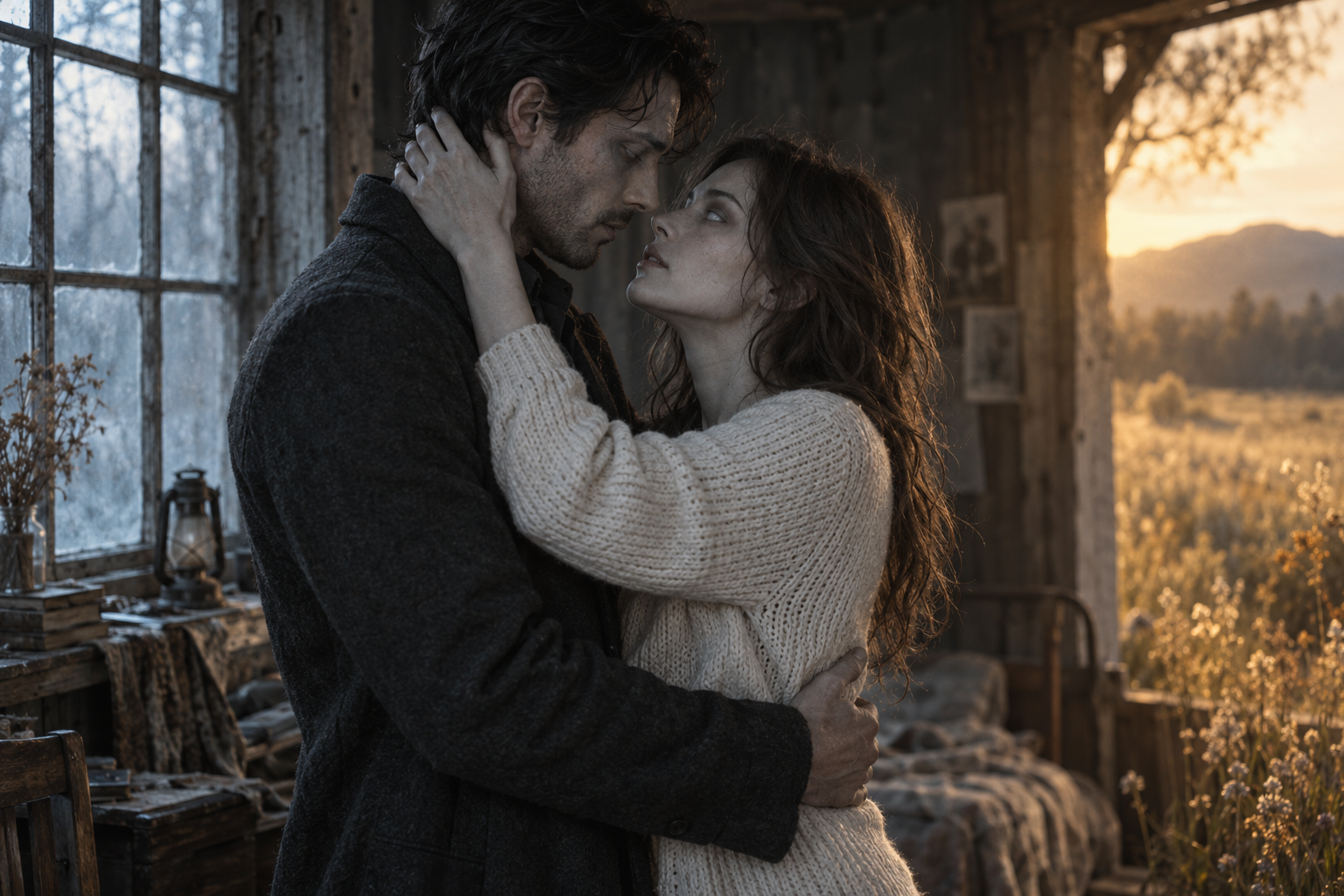
Original concept artwork for mood and composition. Not a video generated from your photos.
01 / Zombie Couple Video
A scene-by-scene starting point for your own story.
Begin in a medium-wide frame with both people visible. Give the survivor space to move toward the zombie.
Hold a brief look before the embrace. This pause gives the movement a reason and the audience a moment to understand.
Ask for one slow, mutual embrace. A slight three-quarter view can keep part of each face visible as the arms come together.
Keep the pose stable while the setting becomes warmer. End with the hug still in place rather than introducing a new movement.
02 / From two photos to a clear creative brief
Choose two clear portraits and assign their roles. They stay local until generation starts.
Pick a scene, choose the frame and add one personal detail to your note.
Choose a duration and quality, review the credit quote, then generate, preview and save your video.
03 / Zombie Couple
A head-and-shoulders portrait helps communicate the body orientation as well as the face. Avoid tightly cropped chins, raised arms across the face and busy foreground objects. Use photos with enough detail to distinguish both people.
Request a slow embrace at chest height with relaxed hands. Avoid spinning the camera while the bodies turn in opposite directions. If a future render has overlapping arms, simplify the action and keep the camera still in the next prompt.
Describe a continuous embrace with unchanged body positions. Change the light and setting after the hug settles. A transition during fast movement asks the model to solve identity, pose and background changes all at once.
04 / FAQ
It is a fictional reunion scene centered on a human embracing a zombie they recognize. Some versions move from a cold, abandoned setting into a warm memory while keeping the same embrace.
Use clear words such as “slow,” “gentle,” “mutual embrace” and “relaxed hands.” Describe recognition before contact, and avoid lunging, grabbing or sudden camera motion.
A full embrace naturally hides parts of the faces. Ask for a three-quarter camera angle and keep the opening recognition moment clear. Do not demand an impossible front-facing view of both people throughout the hug.
Yes. Choose the reunion hug scene and describe a single setting in your note. End on the held embrace. A memory transition is optional, not necessary for the emotional effect.
When generation finishes, preview the video and open the result link to save it. Save your result promptly; provider links may expire. The concept image is illustrative artwork.
MAKE IT PERSONAL
Start with two familiar faces. Give your reunion a shape.
Plan your scene